
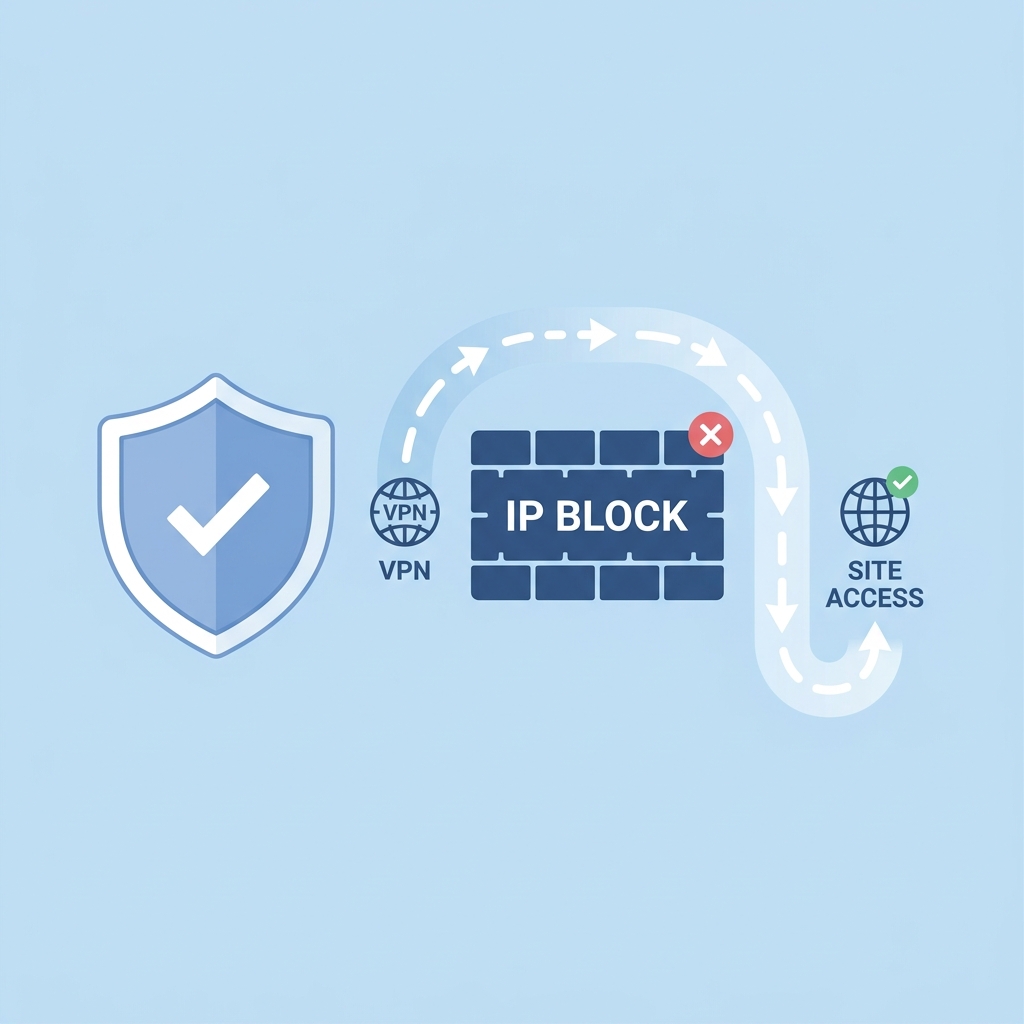
How to Bypass IP Blocks: Developer's Evasion Guide
Table of Contents
1. Understanding Why Websites Block IPs
For web scraping specialists and automation developers, running into blocks is an inevitable part of the job. But why do websites care about crawler traffic? The reasons range from safeguarding server resources to protecting proprietary business data from competitors.
Every inbound request costs a server CPU cycles, memory, and database access time. When an automated script makes requests at high frequencies, it can double host loading costs or even cause an unintentional Distributed Denial of Service (DDoS) event. As a response, websites deploy Web Application Firewalls (WAFs) like Cloudflare, Akamai, Imperva, and PerimeterX to filter non-human traffic. To bypass these filters, your scripts must look indistinguishable from real web browsers.
2. Common Block Types (Status Codes & CAPTCHAs)
When a server flags your crawler, it communicates the block in one of several ways. Recognizing these responses helps you adjust your script's defense strategies:
- HTTP Status 403 Forbidden: The server understood your request but refuses to authorize it. This usually indicates that your IP address has been blocklisted or that your request headers were identified as an automated scraper.
- HTTP Status 429 Too Many Requests: You have hit the website's rate limit. This is a clear indicator that you need to slow down your requests or distribute them across multiple rotating proxies.
- CAPTCHA Challenges (reCAPTCHA, hCaptcha, Cloudflare Turnstile): Instead of an outright ban, the server presents a challenge page to verify your humanity. Scraper scripts generally fail here unless integrated with captcha-solving API services.
- TCP Connection Reset / Timeout: The firewall drops your packets at the network layer, preventing your client from establishing a handshake.
3. Top 6 Evasion Tactics
To keep your scrapers running reliably without blocks, implement the following best practices:
A. Integrate Rotating Residential Proxies
The most effective tool in your evasion arsenal is a rotating proxy network. Since residential IP pools (like Turbo Proxy's 7M+ IPs) route your requests through real residential internet connections, changing your IP on every request ensures that no single IP makes enough requests to trigger rate limits. For basic developer testing or simple scripts, you can also test with entries from our free public proxy list before migrating to high-reputation pools.
B. Add Random Request Delays (Jitter)
Human browsing patterns are unpredictable. If your crawler makes requests exactly every 1.00 seconds, firewalls will immediately flag the activity as a bot. Use a dynamic delay function that pauses requests for random intervals (e.g., 2 to 7 seconds) to break up the pattern.
C. Rotate HTTP Headers Dynamically
Maintain a list of valid, modern User-Agent strings. Switch them periodically to match the device fingerprint you are emulating. If your IP address changes but your request continuously uses the exact same browser version and operating system signature, firewalls will detect the anomaly.
D. Follow Realistic User Flows
Do not jump straight to deep internal API URLs. Instead, make your scraper load the homepage first, parse/set cookies, load dependencies, and then access target data pages. Emulating a realistic user path prevents firewalls from flagging your bot.
4. Optimizing HTTP Request Headers
Many web scrapers only configure the User-Agent header, leaving other headers at default values or completely blank. Anti-bot firewalls detect this immediately. To emulate a genuine Chrome or Firefox browser, always configure the following headers:
| Header Name | Purpose | Example Value |
|---|---|---|
| User-Agent | Identifies browser engine and OS. | Mozilla/5.0 (Windows NT 10.0; Win64; x64) AppleWebKit/537.36... |
| Accept-Language | Specifies the user's preferred language. | en-US,en;q=0.9 |
| Accept-Encoding | Specifies compression methods supported. | gzip, deflate, br |
| Sec-Ch-Ua | Provides Client Hint signatures for modern browsers. | "Chromium";v="124", "Google Chrome";v="124" |
| Referer | Indicates the URL of the previous page. | https://www.google.com/ |
5. Comparison Table: Anti-Bot Defense Mechanisms
Here is how different anti-bot systems detect and mitigate crawler traffic:
| Defense Layer | Detection Criteria | Evasion Method |
|---|---|---|
| IP Reputation Layer | Subnet ranges matching datacenter hosts, high volume spikes. | Use rotating residential proxies with static geo-targeting. |
| HTTP/Header Fingerprint | Missing modern headers, mismatching user-agents and browser hints. | Inject complete browser headers matching the current user-agent. |
| JS Challenges & Canvas | Lack of dynamic JavaScript engine, browser Canvas fingerprint mismatches. | Use Puppeteer Extra Stealth or Playwright with human behavior injection. |
| Behavior Analysis | Perfect repetitive timing intervals, fast link traversal. | Introduce sleep delays with randomized jitter and request limits. |
6. Bypassing TLS & SSL Fingerprinting
Advanced firewalls (like Cloudflare v2 or Akamai) do not stop at HTTP headers. They inspect your connection at the Transport Layer (TLS). By analyzing the TLS Client Hello message (which lists supported cipher suites, compression algorithms, and extensions), they generate a hash profile (JA3 fingerprint).
Standard programming environments (like Python's default urllib or Node's axios) have distinct JA3 signatures that immediately give away their non-browser status.
To bypass TLS fingerprinting:
- Use HTTP clients designed to mimic browser TLS footprints, such as the curl-cffi Python package.
- Configure Node scrapers to use custom HTTP/2 connections matching standard browser cipher configurations.
- Run headless browsers in stealth mode to ensure the browser engine handles TLS negotiations natively.
Frequently Asked Questions
Why does my script get a 403 Forbidden error?
A 403 Forbidden error indicates that the web server or its firewall (like Cloudflare) has flagged your IP address as a bot or rejected your HTTP request headers.
How do rotating proxies prevent IP bans?
Rotating proxies swap your IP address on every request, ensuring you never exceed rate limits or perform enough repeated actions from a single IP to trigger anti-bot systems.
What headers are critical for avoiding web scraping blocks?
You must configure the User-Agent, Accept-Language, Accept-Encoding, Sec-Ch-Ua, and Referer headers to match a genuine web browser configuration.
7. Summary Checklist
Before launching your next scraping script, double-check that you have implemented these settings:
- Using highly trusted residential IPs (like Turbo Proxy) instead of server datacenter subnets.
- Configured a randomized sleep delay between requests (minimum 2-5 seconds).
- Configured complete request headers including User-Agent, Accept, and Referer.
- Set up user session cookies and simulated a natural page load flow.
Need a reliable, high-speed proxy network to power your web scraper? Turbo Proxy provides over 7 million rotating residential, mobile, and datacenter IPs with 99.9% uptime and granular geo-targeting. Start your crawling tasks without fear of IP blocks.