
IP Rotation Software: How to Automate Proxy Rotation
1. Understanding Automated IP Rotation
Web servers protect their resources by tracking inbound request rates from individual IP addresses. If a scraper routes thousands of requests through a single IP, the server will block the connection or present a CAPTCHA.
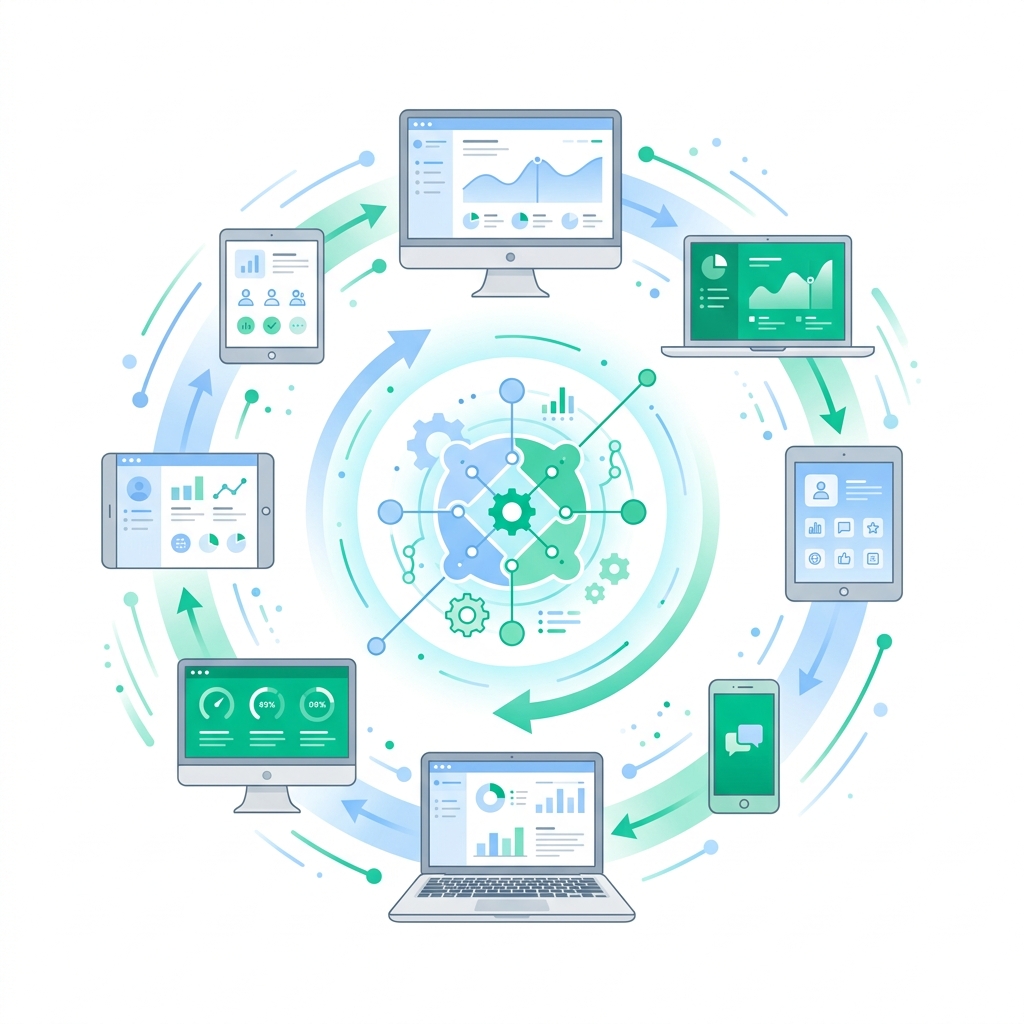
IP rotation software solves this problem by automatically swapping the outgoing IP address. This distributes your requests across thousands of different addresses, making your scraper's traffic profile look like organic traffic.
2. Rotation Mechanisms: Request-Based vs. Time-Based
Automated rotation generally uses two main mechanisms:
Request-Based Rotation
The backconnect proxy server assigns a new IP address for every HTTP request. Best for web scraping and API harvesting.
Time-Based (Sticky) Sessions
The connection keeps the same IP address for a specific duration (e.g., 5 to 30 minutes). Best for automated browser sessions, log-in flows, and sneaker bots.
3. How Backconnect Proxies Simplify Software Configurations
Historically, developers had to write custom proxy rotation logic in their code. Today, backconnect gateways handle rotation server-side.
You configure a single entry point (e.g., gate.turboproxy.online:7000) in your scraper. The proxy server automatically handles the rotation of target residential and mobile IPs with every request.
Get Rotating Residential Proxies
Turbo Proxy provides dynamic residential pools with over 7 million IPs and automatic request-level rotation.