
Understanding Rotating Proxies: The Complete Backconnect Guide
Table of Contents
1. What is a Rotating Proxy?
When dealing with automation, web scraping, or digital ad verification, sending multiple requests from a single static IP address will quickly trigger security alarms. Firewalls flag repetitive request bursts as anomalous, blocklisting the source IP. To protect your scraper, you must learn how to bypass IP blocks.
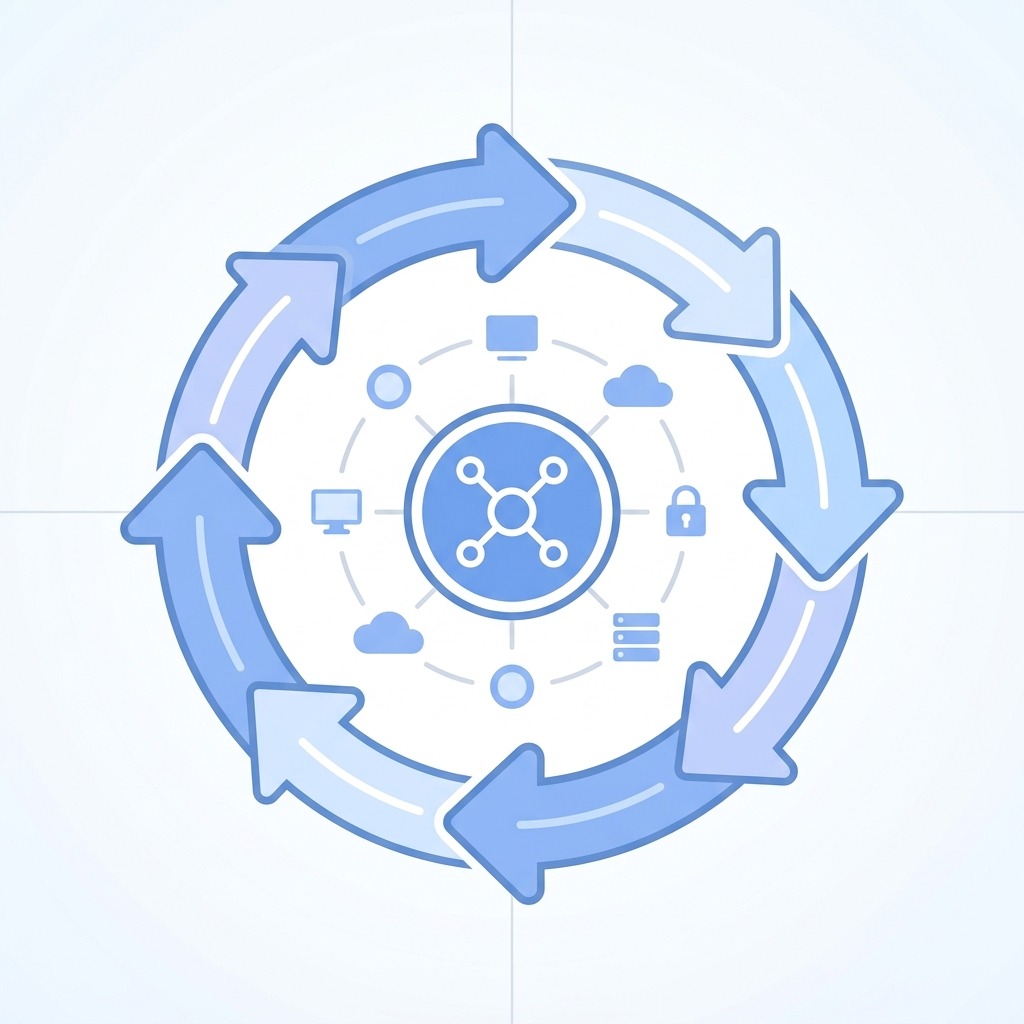
A **rotating proxy** automatically swaps your exit IP address. Instead of routing all your client traffic through a single stationary point, a rotating system constantly cycles your traffic across thousands or millions of available IPs in a network pool. This makes it look like your traffic is originating from a diverse network of independent domestic users, allowing you to bypass connection rate limits.
2. The Mechanics of Backconnect Gateways
Managing a list of millions of IP addresses manually within your crawler script is a developer's nightmare. A rotating system solves this by using a **backconnect gateway server**.
Instead of connecting to individual proxy endpoints, your scraper client connects to a single gateway address (such as pr.turboproxy.online:8000). When you send a request, the gateway server intercepts it and automatically forwards it to an active node in the residential pool. The gateway server handles the proxy list management, session tracking, and IP health checks automatically, freeing you to focus on your scraper's parsing logic.
3. Per-Request vs. Sticky Sessions
Rotating proxies typically offer two primary operation modes:
A. Per-Request (FIFO) Rotation
In this mode, the gateway assigns a new exit IP address for every HTTP request you send. If your script fetches a list of 100 product pages, each page will be requested through a completely different IP. This is ideal for stateless web scraping, api querying, and broad price comparison data gathering.
B. Sticky Sessions
For tasks that require multi-step user flows (like adding products to a shopping cart, logging in, or completing a checkout process), you need to maintain the same IP address for a longer duration. Sticky sessions bind your connection to a specific exit IP for a set timeframe (e.g., 5, 10, or 30 minutes). Once the timer expires, or if the residential peer goes offline, the gateway assigns a new IP to that session port.
4. Comparison: Rotation Setting Characteristics
Understand which configuration fits your scraping strategy with this comparison:
| Criteria | Per-Request Rotation | Sticky Session (10-30 Mins) |
|---|---|---|
| IP Life Span | Changes on every single request. | Stays same for 10-30 minutes. |
| Best Use Case | Bulk scraping, catalog downloading, public data APIs. | E-commerce checkouts, social account posting, user auth flows. |
| Rate-Limit Risk | Zero risk (IP changes immediately) | Low risk (Must throttle requests per session) |
| Session Persistence | None (No cookies or auth maintained) | High (Keeps cookies and active logins) |
5. Custom Proxy Port Configurations
Most providers, including Turbo Proxy, allow you to control rotation behavior directly through your connection port numbers or username credentials:
| Port Configuration | Assigned Behavior | Typical Usage Example |
|---|---|---|
port 8000 | Per-request rotating gateway (default). | pr.turboproxy.online:8000 |
port 8001-8100 | Sticky ports. Each port maps to a unique sticky session. | pr.turboproxy.online:8001 (Session 1) |
username-session_id | Adding a session ID parameter to username string forces stickiness. | user-customer1-session-12345:pass |
6. Why Rotate? Commercial Benefits
Why should your business shift from static IP addresses to a dynamic, rotating configuration?
- Higher Data Accuracy: Some websites serve custom, localized pricing models or fake placeholder pages to flagged scrapers. A rotating pool ensures you receive true consumer-facing data every single time.
- Increased Speed and Parallel Execution: With a rotating network, you can run hundreds of scraping threads in parallel. Since each thread goes through a different IP, you can gather data at scale without triggering blocks.
- Cost Optimization: Instead of purchasing thousands of dedicated IPs, you pay only for the network bandwidth you consume, making rotating proxies highly cost-effective for large-scale operations.
7. Integrating Rotating Proxies in Code
Connecting to a rotating proxy is simple. Here is a quick Python example using the requests package:
import requests

proxy_host = "pr.turboproxy.online"
proxy_port = "8000"
proxy_user = "your_username"
proxy_pass = "your_password"

proxies = {
    "http": f"http://{proxy_user}:{proxy_pass}@{proxy_host}:{proxy_port}",
    "https": f"http://{proxy_user}:{proxy_pass}@{proxy_host}:{proxy_port}"
}

# Make requests - each call gets a different IP address
for i in range(3):
    r = requests.get("https://api.ipify.org?format=json", proxies=proxies)
    print(f"Request {i+1} Exit IP: {r.json()['ip']}")
Frequently Asked Questions
What is a backconnect proxy?
A backconnect proxy routes all your requests through a single gateway server, which automatically rotates the outbound exit IP behind the scenes, eliminating the need to manage proxy lists in your code.
When should I use sticky sessions?
Sticky sessions are required when you need to maintain the same IP address for multi-step tasks like logging in, session persistence, adding items to shopping carts, or checkouts.
What is the difference between SOCKS5 and HTTP protocols?
HTTP/HTTPS protocols are designed for standard web browsing and APIs. SOCKS5 is a lower-level protocol that supports all TCP/UDP traffic, providing faster connection speeds and better support for complex scraping tasks.
8. Conclusion
Rotating proxies are essential for modern web scraping and automated testing. They handle session state, bypass rate limits, and ensure your scrapers can fetch regional content without issues.
Ready to deploy high-reputation rotating proxies? Turbo Proxy provides over 7 million residential, mobile, and datacenter IPs with 99.9% uptime and geo-targeting. Start your crawling tasks without fear of IP blocks.