
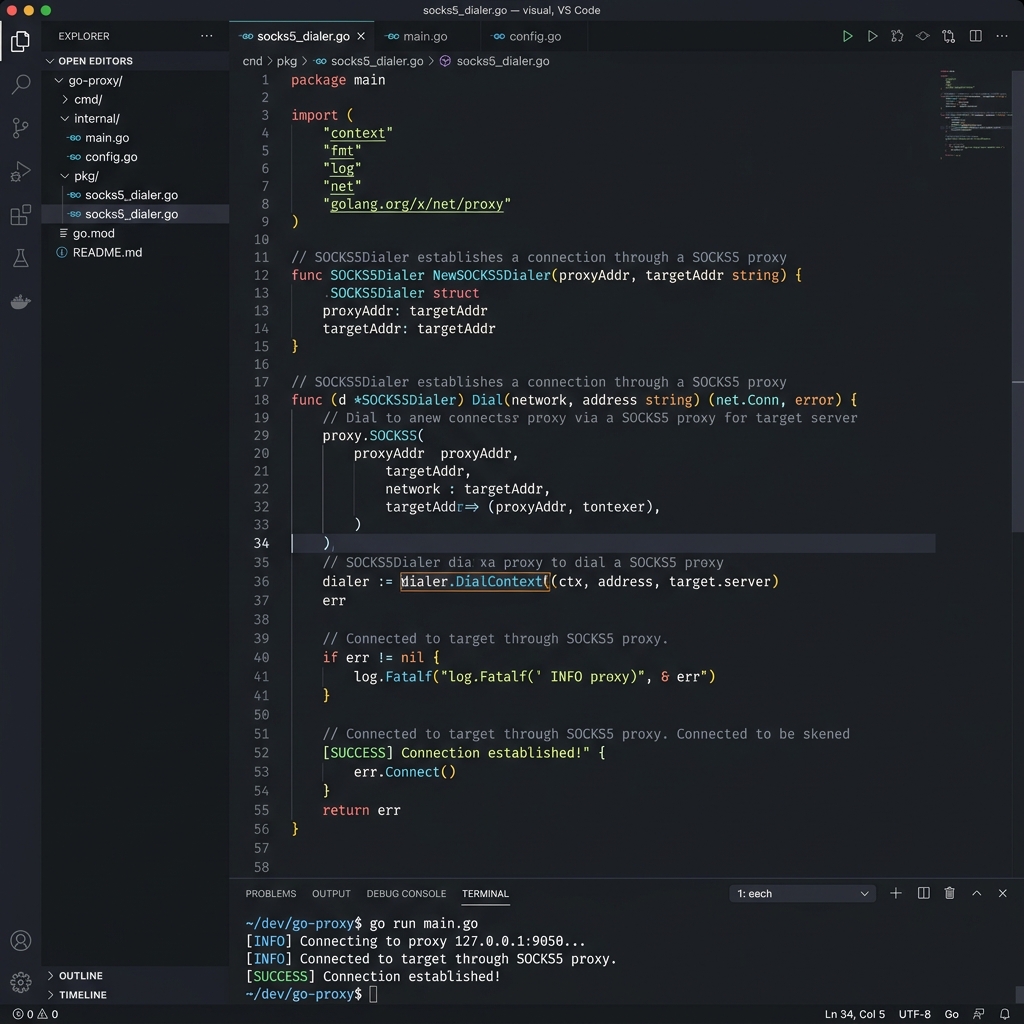
Go and Proxies — Why It Matters
Go is a top choice for building high-speed, concurrent web scrapers and data collection pipelines. Its goroutine model allows launching thousands of simultaneous HTTP requests, making proxy rotation essential to avoid IP bans. Turbo Proxy's residential and datacenter pools are purpose-built for this kind of high-throughput use.
Go's standard library provides first-class support for HTTP and SOCKS5 proxies via the net/http and golang.org/x/net/proxy packages — no third-party dependencies needed for basic setups.
Prerequisites
- Go: version 1.18 or later
- Proxy Gateway:
gate.turboproxy.online - Port: e.g.,
7000 - Username / Password: From your Turbo Proxy dashboard
Implementation Examples
Option A: HTTP Proxy via Environment
The simplest approach — set the proxy URL as an environment variable and Go's default HTTP client picks it up automatically:
package main

import (
  "fmt"
  "io"
  "net/http"
  "os"
)

func main() {
  os.Setenv("HTTP_PROXY", "http://username:[email protected]:7000")
  os.Setenv("HTTPS_PROXY", "http://username:[email protected]:7000")

  resp, err := http.Get("https://api.ipify.org?format=json")
  if err != nil {
    panic(err)
  }
  defer resp.Body.Close()
  body, _ := io.ReadAll(resp.Body)
  fmt.Println(string(body))
}
Option B: SOCKS5 Dialer (Recommended)
For maximum control — use a SOCKS5 dialer with authentication. Install the dependency first:
package main

import (
  "fmt"
  "io"
  "net/http"
  "golang.org/x/net/proxy"
)

func main() {
  auth := &proxy.Auth{
    User:     "your_username",
    Password: "your_password",
  }
  dialer, err := proxy.SOCKS5("tcp", "gate.turboproxy.online:7000", auth, proxy.Direct)
  if err != nil {
    panic(err)
  }

  transport := &http.Transport{Dial: dialer.Dial}
  client := &http.Client{Transport: transport}

  resp, err := client.Get("https://api.ipify.org?format=json")
  if err != nil {
    panic(err)
  }
  defer resp.Body.Close()
  body, _ := io.ReadAll(resp.Body)
  fmt.Println(string(body))
}
Option C: Concurrent Goroutine Scraper
package main

import (
  "fmt"
  "io"
  "net/http"
  "sync"
  "golang.org/x/net/proxy"
)

func fetch(url string, client *http.Client, wg *sync.WaitGroup) {
  defer wg.Done()
  resp, err := client.Get(url)
  if err != nil { fmt.Println("Error:", err); return }
  defer resp.Body.Close()
  body, _ := io.ReadAll(resp.Body)
  fmt.Println(string(body[:100]))
}

func main() {
  auth := &proxy.Auth{User: "your_username", Password: "your_password"}
  dialer, _ := proxy.SOCKS5("tcp", "gate.turboproxy.online:7000", auth, proxy.Direct)
  transport := &http.Transport{Dial: dialer.Dial}
  client := &http.Client{Transport: transport}

  urls := []string{
    "https://example.com/page1",
    "https://example.com/page2",
    "https://example.com/page3",
  }
  var wg sync.WaitGroup
  for _, u := range urls {
    wg.Add(1)
    go fetch(u, client, &wg)
  }
  wg.Wait()
}
Troubleshooting
1. "connection refused" on SOCKS5
Confirm you're using port 7000 and the host gate.turboproxy.online. Make sure no local firewall is blocking outbound SOCKS5 connections.
2. TLS certificate errors
If using an HTTP proxy for HTTPS traffic, the proxy performs CONNECT tunneling. Ensure you're not adding a custom TLS config that skips verification unless you are testing in a controlled environment.