
Java HTTP Clients and Proxy Support
Java powers large-scale enterprise applications, backend microservices, and data pipelines. The two most widely used HTTP clients — OkHttp (Square) and Apache HttpClient — both provide robust proxy configuration APIs, including support for authenticated SOCKS5 and HTTP proxies.
Prerequisites
- Java: 11 or later
- OkHttp:
com.squareup.okhttp3:okhttp:4.12.0 - Apache:
org.apache.httpcomponents.client5:httpclient5:5.3 - Proxy Gateway:
gate.turboproxy.online:7000 - Username / Password: From your Turbo Proxy dashboard
Code Examples
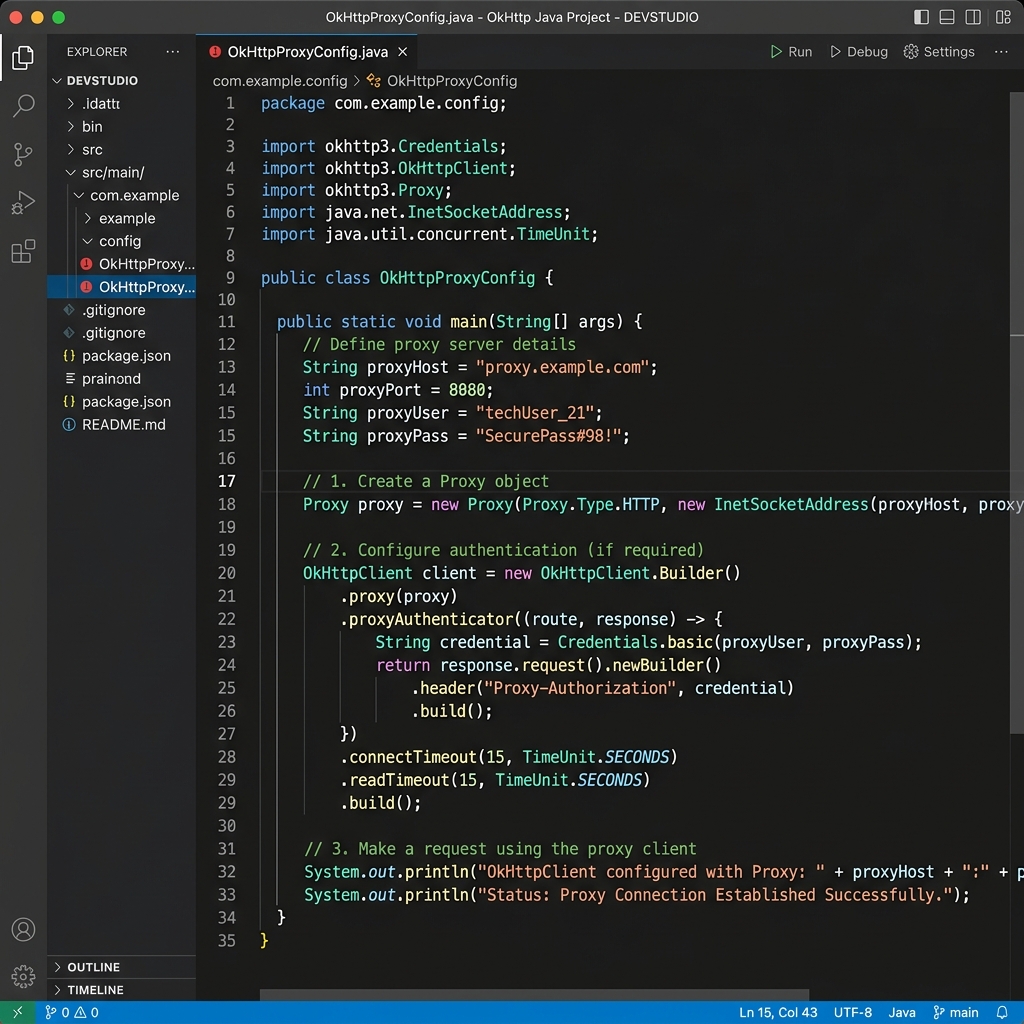
Option A: OkHttp with HTTP Proxy
import okhttp3.*;
import java.net.*;

public class ProxyExample {
    public static void main(String[] args) throws Exception {
        Proxy proxy = new Proxy(
            Proxy.Type.HTTP,
            new InetSocketAddress("gate.turboproxy.online", 7000)
        );

        Authenticator proxyAuth = new Authenticator() {
            @Override
            protected PasswordAuthentication getPasswordAuthentication() {
                return new PasswordAuthentication(
                    "your_username",
                    "your_password".toCharArray()
                );
            }
        };

        OkHttpClient client = new OkHttpClient.Builder()
            .proxy(proxy)
            .proxyAuthenticator((route, response) -> {
                String credential = Credentials.basic("your_username", "your_password");
                return response.request().newBuilder()
                    .header("Proxy-Authorization", credential)
                    .build();
            })
            .build();

        Request request = new Request.Builder()
            .url("https://api.ipify.org?format=json")
            .build();

        try (Response response = client.newCall(request).execute()) {
            System.out.println(response.body().string());
        }
    }
}
Option B: OkHttp with SOCKS5 Proxy
Proxy proxy = new Proxy(
    Proxy.Type.SOCKS,
    new InetSocketAddress("gate.turboproxy.online", 7000)
);

// Set SOCKS auth via system properties (Java standard approach)
System.setProperty("java.net.socks.username", "your_username");
System.setProperty("java.net.socks.password", "your_password");

OkHttpClient client = new OkHttpClient.Builder()
    .proxy(proxy)
    .build();
Option C: Apache HttpClient 5 with HTTP Proxy
import org.apache.hc.client5.http.impl.classic.*;
import org.apache.hc.client5.http.impl.routing.DefaultProxyRoutePlanner;
import org.apache.hc.core5.http.*;
import org.apache.hc.core5.http.message.BasicHeader;

HttpHost proxy = new HttpHost("http", "gate.turboproxy.online", 7000);

BasicCredentialsProvider creds = new BasicCredentialsProvider();
creds.setCredentials(
    new AuthScope(proxy),
    new UsernamePasswordCredentials("your_username", "your_password".toCharArray())
);

CloseableHttpClient client = HttpClients.custom()
    .setDefaultCredentialsProvider(creds)
    .setProxy(proxy)
    .build();

HttpGet request = new HttpGet("https://api.ipify.org?format=json");
try (CloseableHttpResponse response = client.execute(request)) {
    System.out.println(EntityUtils.toString(response.getEntity()));
}
Troubleshooting
1. 407 Proxy Authentication Required
OkHttp requires a proxyAuthenticator lambda — the standard Authenticator.setDefault may not fire for OkHttp. Always use the builder's .proxyAuthenticator() method.
2. SOCKS5 DNS leaks in Java
Java's SOCKS implementation resolves hostnames locally by default. To force remote DNS, use InetSocketAddress.createUnresolved("gate.turboproxy.online", 7000) as the SOCKS proxy address.