
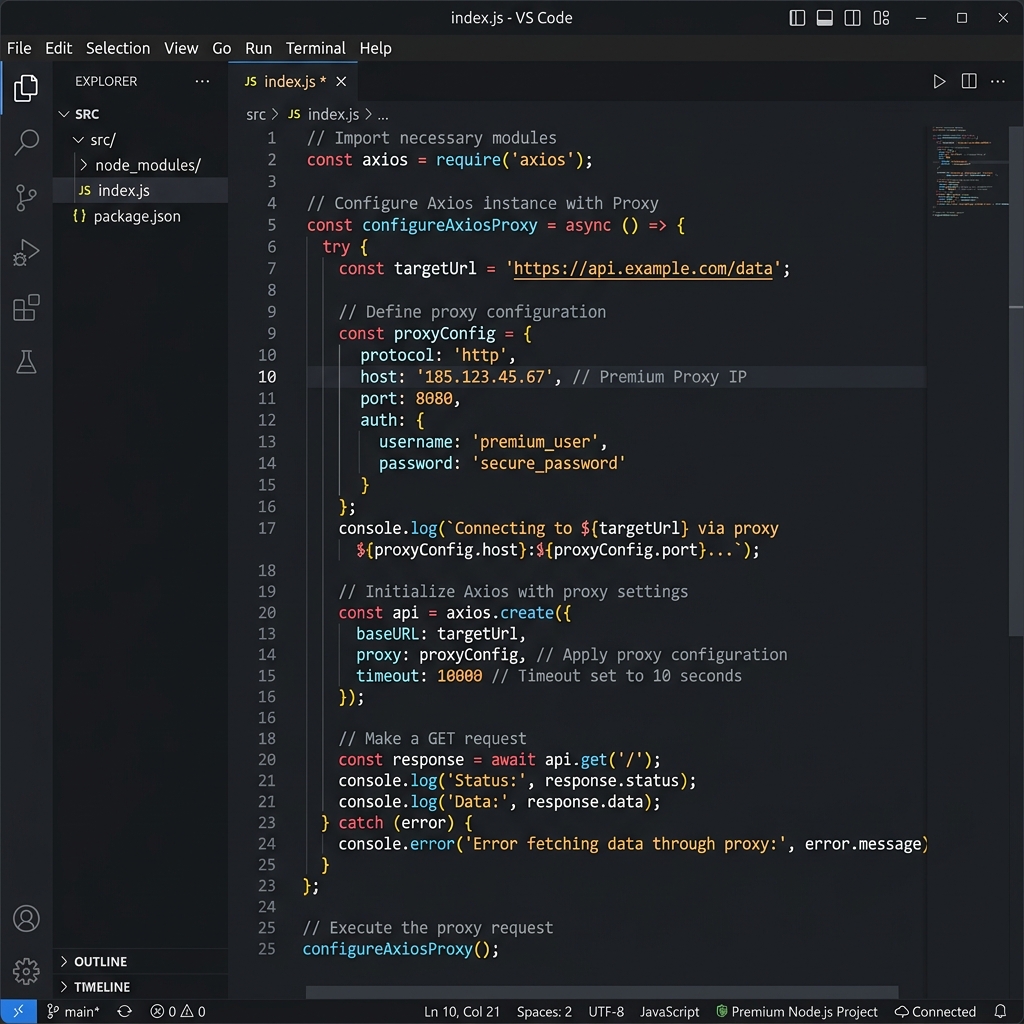
Node.js and Proxy Routing
Node.js is the backbone of modern JavaScript-based scrapers, bots, and automation scripts. Popular HTTP libraries like Axios and node-fetch don't support SOCKS5 natively — but with lightweight agent libraries, you can add full proxy support in just a few lines.
Turbo Proxy's rotating residential IPs are ideal for Node.js-based scrapers running on cloud servers, where all requests come from the same datacenter IP by default.
Prerequisites
- Node.js: 16 or later
- Packages:
axios,https-proxy-agent, orsocks-proxy-agent - Proxy Gateway:
gate.turboproxy.online:7000 - Username / Password: From your Turbo Proxy dashboard
npm install axios https-proxy-agent socks-proxy-agent
Code Examples
Option A: Axios with HTTP Proxy
const axios = require('axios');

const response = await axios.get('https://api.ipify.org?format=json', {
  proxy: {
    protocol: 'http',
    host: 'gate.turboproxy.online',
    port: 7000,
    auth: {
      username: 'your_username',
      password: 'your_password',
    },
  },
});
console.log(response.data); // { ip: 'x.x.x.x' }
Option B: Axios with SOCKS5 Proxy
const axios = require('axios');
const { SocksProxyAgent } = require('socks-proxy-agent');

const agent = new SocksProxyAgent(
  'socks5://your_username:[email protected]:7000'
);

const response = await axios.get('https://api.ipify.org?format=json', {
  httpsAgent: agent,
  httpAgent: agent,
});
console.log(response.data);
Option C: node-fetch with HTTPS Proxy Agent
import fetch from 'node-fetch';
import { HttpsProxyAgent } from 'https-proxy-agent';

const agent = new HttpsProxyAgent(
  'http://your_username:[email protected]:7000'
);

const res = await fetch('https://api.ipify.org?format=json', { agent });
const data = await res.json();
console.log(data); // { ip: 'x.x.x.x' }
Option D: Proxy Rotation Pool
const axios = require('axios');

const proxyPorts = [7000, 7001, 7002, 7003];

async function fetchWithRotation(url) {
  const port = proxyPorts[Math.floor(Math.random() * proxyPorts.length)];
  return axios.get(url, {
    proxy: {
      protocol: 'http',
      host: 'gate.turboproxy.online',
      port,
      auth: { username: 'your_username', password: 'your_password' },
    },
  });
}

const result = await fetchWithRotation('https://example.com');
console.log(result.status);
Troubleshooting
1. "ECONNREFUSED" on proxy connect
Confirm your proxy port is correct and not blocked by a firewall. Also confirm the protocol — if using SocksProxyAgent, make sure the URL starts with socks5://, not http://.
2. TLS errors with HTTPS sites
Pass both httpAgent and httpsAgent to Axios when using a SOCKS5 agent. Omitting httpsAgent causes HTTPS requests to bypass the proxy.