
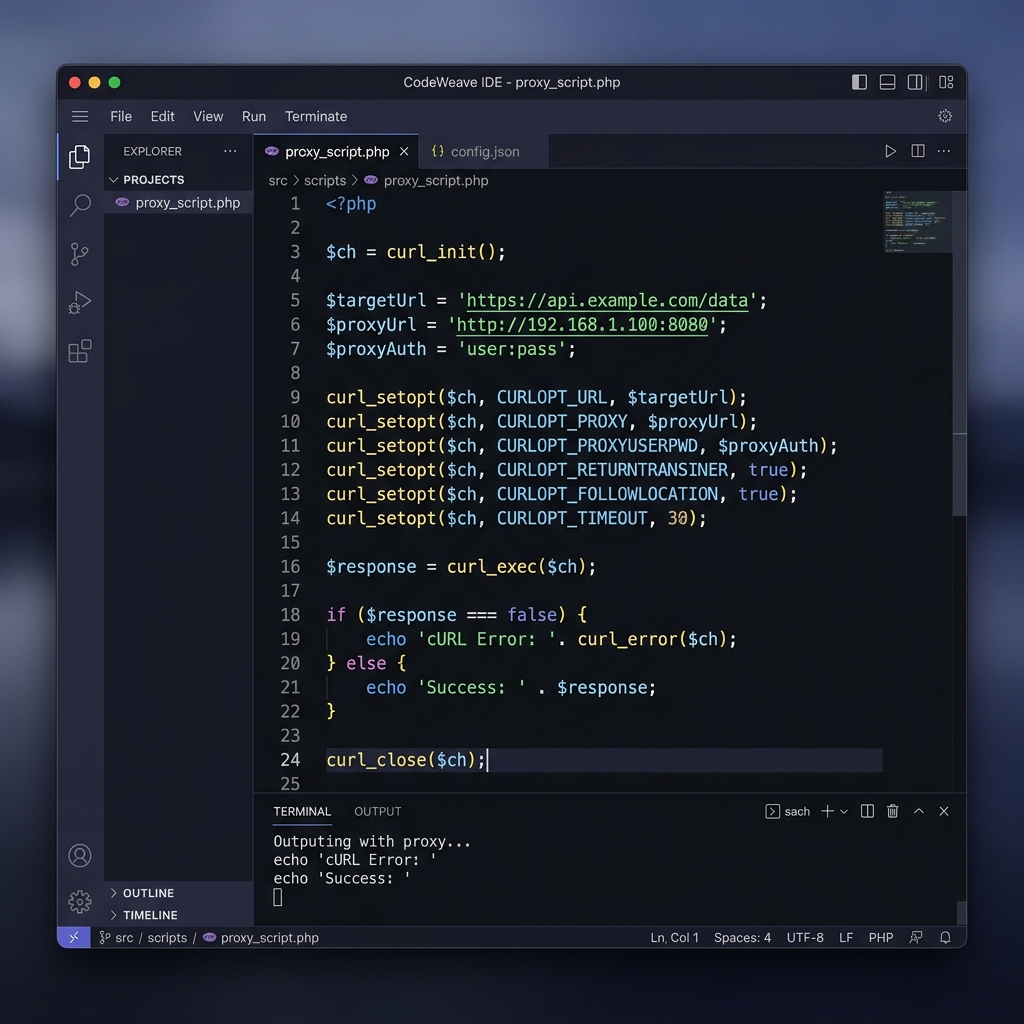
PHP, cURL, and Proxies
PHP is one of the world's most popular backend languages, powering everything from WordPress plugins to custom scraping daemons. Both the native cURL extension and the popular Guzzle HTTP client library provide straightforward proxy support.
With Turbo Proxy, PHP developers can rotate residential or datacenter IPs on every request, bypassing rate limits and geo-blocks in web scraping, price monitoring, and data aggregation workflows.
Prerequisites
- PHP: 7.4 or later
- Extensions:
curlextension enabled - Guzzle (optional):
composer require guzzlehttp/guzzle - Proxy Gateway:
gate.turboproxy.online:7000 - Username / Password: From your Turbo Proxy dashboard
Code Examples
Option A: PHP cURL with HTTP Proxy
<?php
$ch = curl_init();

curl_setopt_array($ch, [
    CURLOPT_URL            => 'https://api.ipify.org?format=json',
    CURLOPT_RETURNTRANSFER => true,
    CURLOPT_PROXY          => 'http://gate.turboproxy.online:7000',
    CURLOPT_PROXYUSERPWD   => 'your_username:your_password',
    CURLOPT_SSL_VERIFYPEER => true,
    CURLOPT_FOLLOWLOCATION => true,
    CURLOPT_TIMEOUT        => 30,
]);

$response = curl_exec($ch);
$error    = curl_error($ch);
curl_close($ch);

if ($error) {
    echo 'cURL Error: ' . $error;
} else {
    echo $response; // {"ip":"x.x.x.x"}
}
?>
Option B: PHP cURL with SOCKS5 Proxy
<?php
$ch = curl_init();

curl_setopt_array($ch, [
    CURLOPT_URL            => 'https://api.ipify.org?format=json',
    CURLOPT_RETURNTRANSFER => true,
    CURLOPT_PROXYTYPE      => CURLPROXY_SOCKS5_HOSTNAME, // remote DNS via proxy
    CURLOPT_PROXY          => 'gate.turboproxy.online:7000',
    CURLOPT_PROXYUSERPWD   => 'your_username:your_password',
    CURLOPT_TIMEOUT        => 30,
]);

$response = curl_exec($ch);
curl_close($ch);
echo $response;
?>
Option C: Guzzle HTTP Client
Install Guzzle first: composer require guzzlehttp/guzzle
<?php
require 'vendor/autoload.php';

use GuzzleHttpClient;

$client = new Client([
    'proxy' => 'http://your_username:[email protected]:7000',
    'verify' => true,
    'timeout' => 30,
]);

$response = $client->get('https://api.ipify.org?format=json');
echo $response->getBody(); // {"ip":"x.x.x.x"}
?>
Troubleshooting
1. cURL error 35: SSL handshake failure
This often happens when the proxy server's TLS is interfering. Try using CURLOPT_SSL_VERIFYPEER => false for local testing only. In production, ensure your CA bundle is up to date.
2. 407 Proxy Authentication Required
Check that CURLOPT_PROXYUSERPWD is formatted as username:password with no extra spaces. Special characters in credentials must be URL-encoded.