
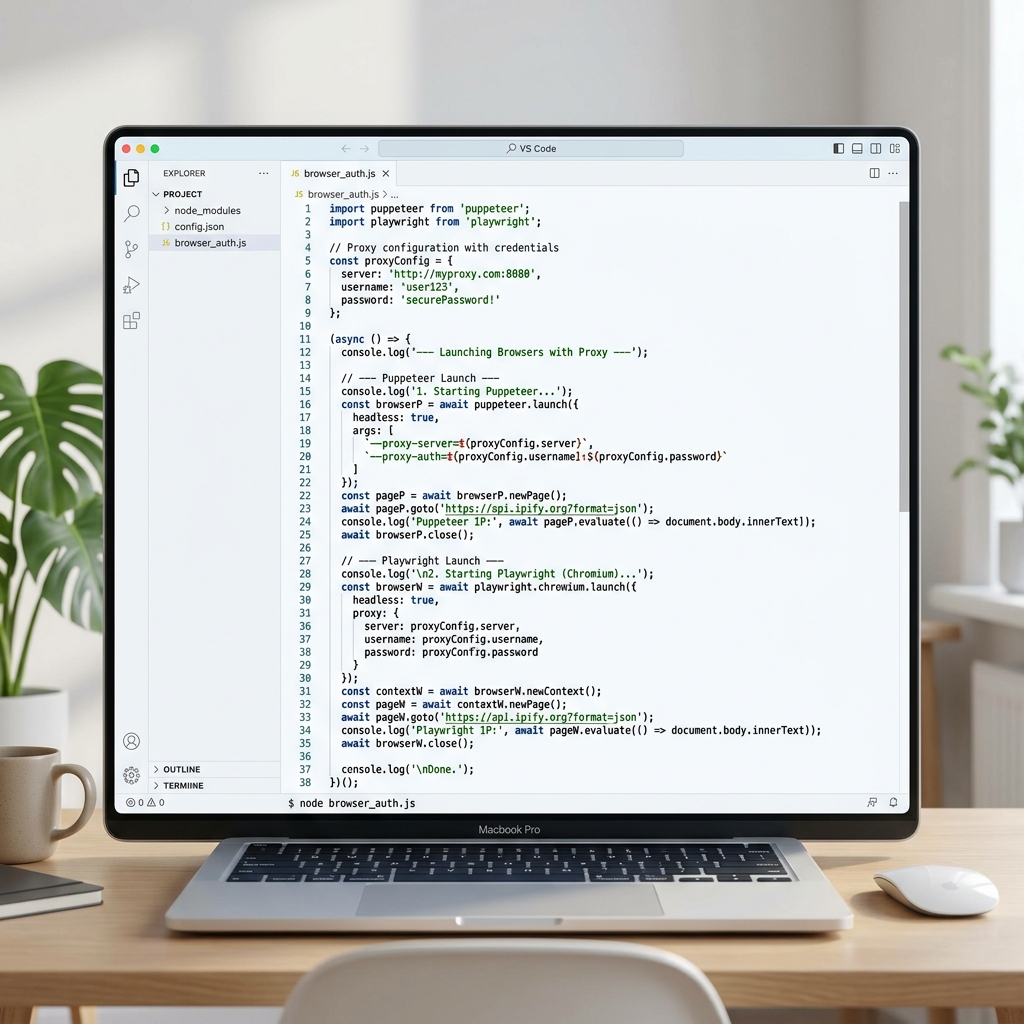
1. Headless Browser Automation & Proxies
Headless browser automation tools like Puppeteer and Playwright are standard engines for complex web scraping, front-end automated testing, and synthetic user flows. Unlike simple HTTP request clients, headless browsers execute complete JavaScript bundles, download stylesheets, parse media assets, and run tracking code.
While this makes them exceptionally powerful at scraping dynamic Single Page Applications (SPAs) like React or Angular websites, it also makes them highly resource-intensive and easy to detect if they lack proper network mask routing. Cloudflare, Akamai, and other modern Web Application Firewalls (WAF) look at IP reputation, TLS fingerprints, and JavaScript challenge completions.
Routing your automated NodeJS profiles through **Turbo Proxy**’s residential or mobile networks helps match browser fingerprint signals with trusted local IP pools. This reduces rate limits and lets you fetch dynamic data successfully.
2. Puppeteer Proxy Configuration
In Puppeteer, proxies are defined as startup arguments passed to the Chromium process during initialization.
Command Line Flag Setup
Pass the proxy server flag via `args` in `puppeteer.launch()`:
const puppeteer = require('puppeteer');

async function run() {
  // Define proxy gateway
  const proxyServer = 'http://gate.turboproxy.online:7000';

  const browser = await puppeteer.launch(}
    headless: true,
    args: [
      `--proxy-server=${proxyServer}`,
      '--ignore-certificate-errors',
      '--no-sandbox'
    ]
  {);

  const page = await browser.newPage();

  // Navigate to check IP
  await page.goto('https://httpbin.org/ip');
  const body = await page.evaluate(() => document.body.innerText);
  console.log('IP Details:', body);

  await browser.close();
}
run();
3. Playwright Proxy Configuration
Playwright handles proxy configuration natively inside the launch configuration object, separating it from global command-line arguments. This is a cleaner, more robust implementation that supports routing individual browser contexts through different proxies.
Chrome and Firefox Launch Settings
const { chromium } = require('playwright');

async function run() {
  const browser = await chromium.launch({
    headless: true,
    proxy: {
      server: 'http://gate.turboproxy.online:7000'
    }
  });

  const context = await browser.newContext();
  const page = await context.newPage();

  await page.goto('https://httpbin.org/ip');
  console.log(await page.textContent('body'));

  await browser.close();
}
run();
4. Handling Proxy Credentials (Authentication)
If your proxy gateway requires authentication, passing credentials via command-line flags is insecure or unsupported natively. Both Puppeteer and Playwright provide built-in page/context hooks to authenticate connection calls programmatically.
Authenticating in Puppeteer
Use page.authenticate() before making any network calls:
const page = await browser.newPage();

// Provide credentials for the proxy gate
await page.authenticate({
  username: 'your_username',
  password: 'your_password'
});

await page.goto('https://httpbin.org/ip');
Authenticating in Playwright
Define username and password credentials directly inside the proxy launch block:
const browser = await chromium.launch({
  proxy: {
    server: 'http://gate.turboproxy.online:7000',
    username: 'your_username',
    password: 'your_password'
  }
});
5. Automation Best Practices & Anti-Fingerprinting
WAFs analyze behavioral and software signals to spot headless web drivers. Implement these settings to protect your automation profiles:
- Mask web-driver properties: Anti-bot shields check for the presence of
navigator.webdriver = true. In Puppeteer, use thepuppeteer-extra-plugin-stealthlibrary to automatically override this and hundreds of other fingerprint indicators. - Match timezones and geolocations: Ensure your browser profile matches the physical location of the proxy. You can use
page.setExtraHTTPHeadersor context overrides in Playwright to simulate local languages and regions. - Choose SOCKS5 over HTTP: SOCKS5 provides complete UDP routing and executes remote DNS resolution, ensuring your local DNS server remains invisible.