
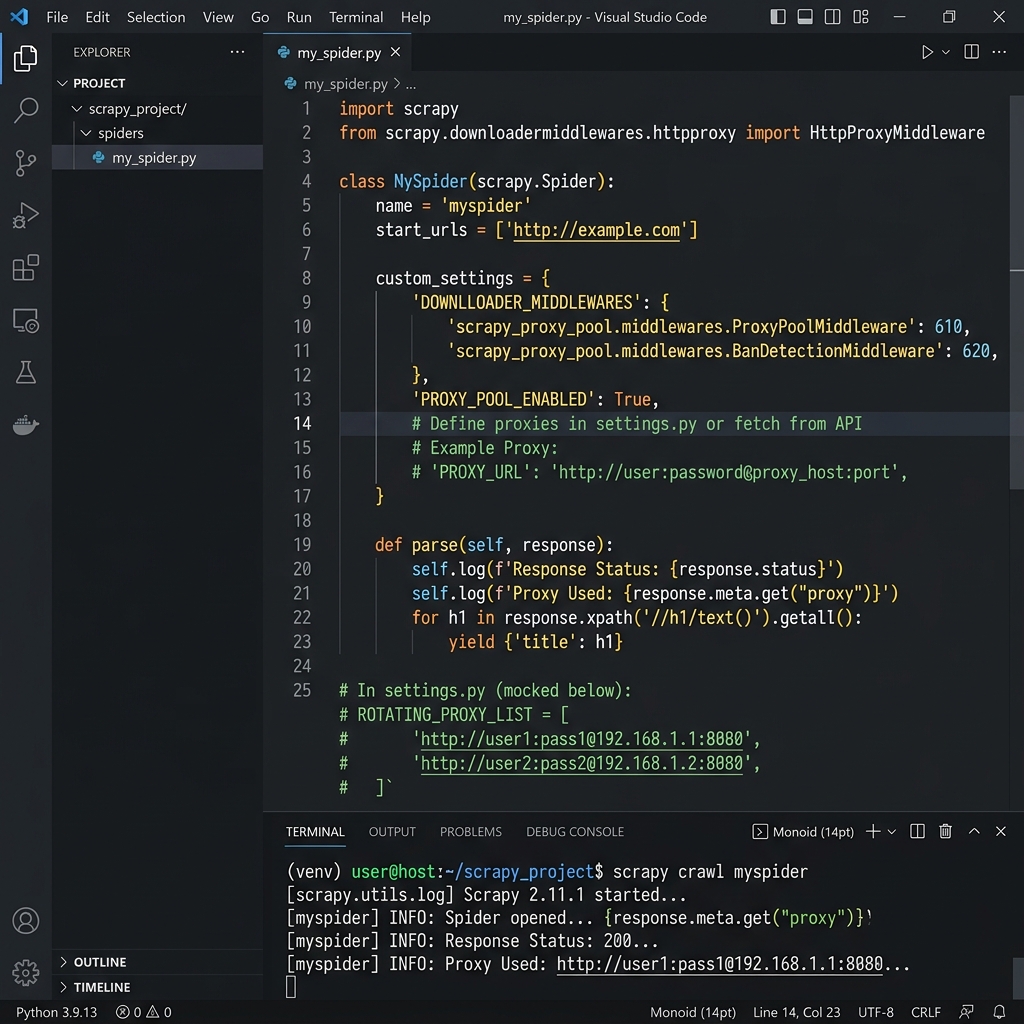
Scrapy and Proxy Rotation
Scrapy is Python's most powerful web crawling framework — used for everything from e-commerce price aggregation to news monitoring and competitive intelligence. When running high-volume crawls, the same IP address will inevitably trigger rate-limiting or bans.
Turbo Proxy's rotating residential pool assigns a fresh IP to each request, making your Scrapy spider appear as thousands of different real users to the target website.
Prerequisites
- Python: 3.8 or later
- Scrapy:
pip install scrapy - Proxy Gateway:
gate.turboproxy.online:7000 - Username / Password: From your Turbo Proxy dashboard
Configuration Examples
Method 1: Single Proxy via settings.py
The simplest approach — route all requests through one proxy endpoint:
# settings.py

ROTATING_PROXY_LIST = [
    'http://your_username:[email protected]:7000',
]

# Or use the built-in proxy meta
# Each request will use this proxy
HTTP_PROXY = 'http://your_username:[email protected]:7000'
In your spider, pass the proxy per-request:
import scrapy

class MySpider(scrapy.Spider):
    name = 'example'
    start_urls = ['https://example.com']

    def start_requests(self):
        for url in self.start_urls:
            yield scrapy.Request(
                url,
                meta={
                    'proxy': 'http://your_username:[email protected]:7000'
                }
            )

    def parse(self, response):
        self.log(f'IP used: {response.text[:200]}')
Method 2: Custom Rotating Proxy Middleware
For per-request IP rotation, create a middleware in middlewares.py:
# middlewares.py
import random

PROXY_LIST = [
    'http://your_username:[email protected]:7000',
    'http://your_username:[email protected]:7001',
    'http://your_username:[email protected]:7002',
]

class RotatingProxyMiddleware:
    def process_request(self, request, spider):
        request.meta['proxy'] = random.choice(PROXY_LIST)

# In settings.py, enable the middleware:
# DOWNLOADER_MIDDLEWARES = {
#     'myproject.middlewares.RotatingProxyMiddleware': 350,
# }
Method 3: scrapy-rotating-proxies package
# settings.py
DOWNLOADER_MIDDLEWARES = {
    'rotating_proxies.middlewares.RotatingProxyMiddleware': 610,
    'rotating_proxies.middlewares.BanDetectionMiddleware': 620,
}

ROTATING_PROXY_LIST = [
    'http://your_username:[email protected]:7000',
    'http://your_username:[email protected]:7001',
]
Troubleshooting
1. 403 or CAPTCHA responses
Switch from datacenter proxies to Turbo Rotating Residential. Also set a realistic USER_AGENT in settings.py to mimic a real browser.
2. ConnectionError on proxy auth
Scrapy's meta['proxy'] must include credentials in the URL format: http://user:pass@host:port. If your password contains special characters, URL-encode them using urllib.parse.quote.