
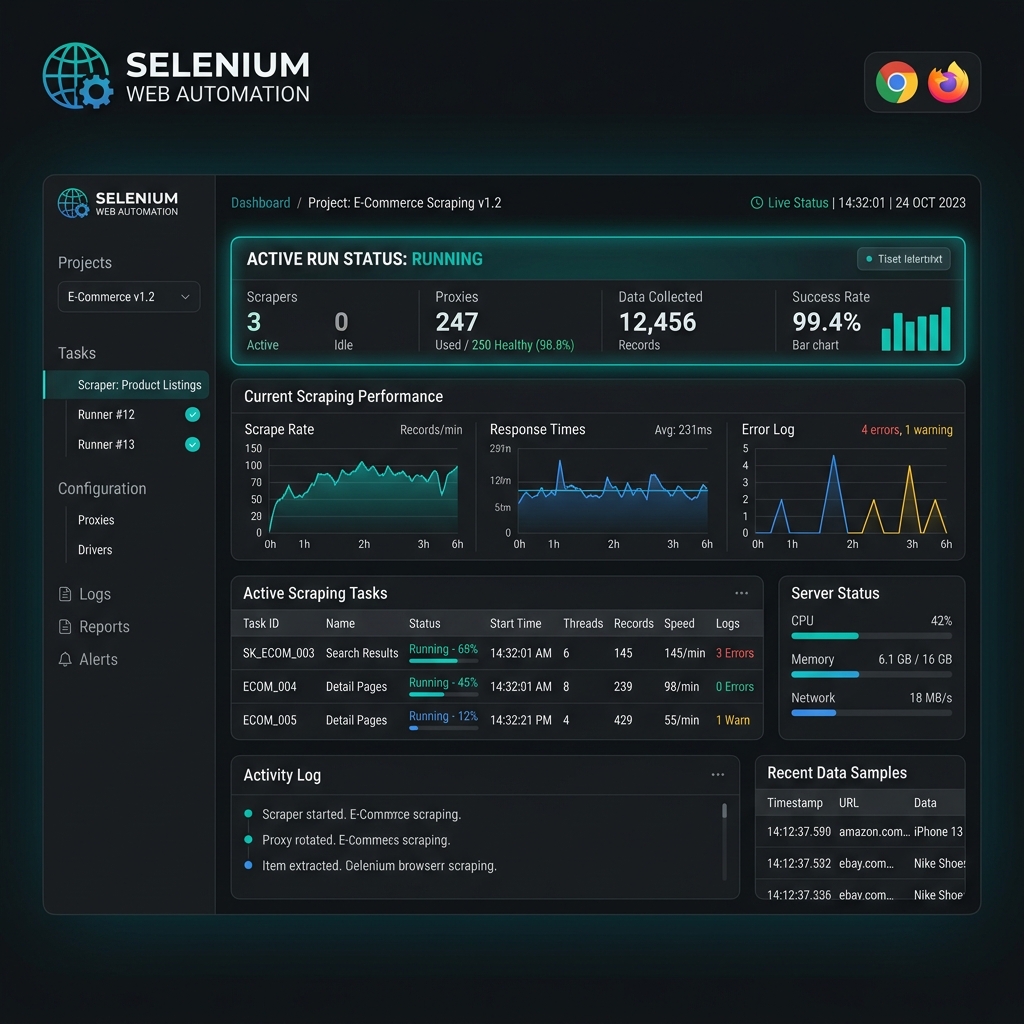
Selenium WebDriver and Proxy Support
Selenium WebDriver is the industry-standard tool for browser automation — used widely for end-to-end testing, login automation, and JavaScript-heavy scraping. Since Selenium controls a real browser, it's essential to set the proxy at the browser driver level so all network traffic is routed correctly.
Both Chrome (via ChromeOptions) and Firefox (via FirefoxProfile) support SOCKS5 and HTTP proxy configuration with authentication.
Prerequisites
- Python: 3.8 or later
- Selenium:
pip install selenium - ChromeDriver / GeckoDriver: Matching your browser version
- Proxy Gateway:
gate.turboproxy.online:7000 - Username / Password: From your Turbo Proxy dashboard
Configuration Examples
Option A: Chrome with HTTP Proxy (No Auth — Whitelisted IP)
The simplest setup for IP-whitelisted proxies:
from selenium import webdriver
from selenium.webdriver.chrome.options import Options

options = Options()
options.add_argument('--proxy-server=http://gate.turboproxy.online:7000')

driver = webdriver.Chrome(options=options)
driver.get('https://api.ipify.org?format=json')
print(driver.page_source)
driver.quit()
Option B: Chrome with SOCKS5 + Auth via Extension
Chrome doesn't support proxy authentication via command-line args. Use a programmatic extension:
import zipfile, os
from selenium import webdriver
from selenium.webdriver.chrome.options import Options

PROXY_HOST = 'gate.turboproxy.online'
PROXY_PORT = 7000
PROXY_USER = 'your_username'
PROXY_PASS = 'your_password'

manifest_json = """{"version":"1.0.0","manifest_version":2,"name":"Proxy Auth","permissions":["proxy","tabs","unlimitedStorage","storage","<all_urls>","webRequest","webRequestBlocking"],"background":{"scripts":["background.js"]},"minimum_chrome_version":"22.0.0"}"""

background_js = f"""
var config = {{mode:"fixed_servers",rules:{{singleProxy:{{scheme:"http",host:"{PROXY_HOST}",port:{PROXY_PORT}}},bypassList:[]}}}};
chrome.proxy.settings.set({{value:config,scope:"regular"}},function(){{}});
chrome.webRequest.onAuthRequired.addListener(
  function(details){{return {{authCredentials:{{username:"{PROXY_USER}",password:"{PROXY_PASS}"}}}}}},
  {{urls:["<all_urls>"]}},["blocking"]
);
"""

ext_path = '/tmp/proxy_auth_extension.zip'
with zipfile.ZipFile(ext_path, 'w') as zp:
    zp.writestr('manifest.json', manifest_json)
    zp.writestr('background.js', background_js)

options = Options()
options.add_extension(ext_path)
driver = webdriver.Chrome(options=options)
driver.get('https://api.ipify.org?format=json')
print(driver.page_source)
driver.quit()
Option C: Firefox with SOCKS5 Proxy
from selenium import webdriver
from selenium.webdriver.firefox.options import Options

options = Options()
options.set_preference('network.proxy.type', 1)
options.set_preference('network.proxy.socks', 'gate.turboproxy.online')
options.set_preference('network.proxy.socks_port', 7000)
options.set_preference('network.proxy.socks_username', 'your_username')
options.set_preference('network.proxy.socks_password', 'your_password')
options.set_preference('network.proxy.socks_remote_dns', True)

driver = webdriver.Firefox(options=options)
driver.get('https://api.ipify.org?format=json')
print(driver.page_source)
driver.quit()
Troubleshooting
1. Chrome ignores proxy-server argument for authenticated proxies
Chrome requires a browser extension to handle proxy authentication. Use the extension method (Option B) when username/password credentials are required.
2. WebDriver detection bypassing proxy
If using headless mode, add --disable-blink-features=AutomationControlled to ChromeOptions. Some detection scripts flag headless sessions regardless of proxy.